For many of the IDX Broker tools, there is an option to Edit Link By Hand. This allows you to combine numerous property types, location and for a more granular editing of search criteria and an opportunity to change the results of your search.
For example, you can use the following syntax in this section:
&fl=y - featured listing
&srt=newest - Newest Listings
&srt=oldest - Oldest Listings
&srt=pra - Least expensive to most
&srt=prd - Most expensive to least
&srt=bda - Bedrooms (Low to High)
&srt=bdd - Bedrooms (High to Low)
&srt=tba - Bathrooms (Low to High)
&srt=tbd - Bathrooms (High to Low)
&srt=sqfta - Square Feet (Low to High)
&srt=sqftd - Square Feet (High to Low)
%2C is the URL-encoded version of a comma (,)
+ is the URL-encoded version of a space
&srt=pra – Least expensive to most
&srt=prd – Most expensive to least
Each MLS has slightly different syntax for neighborhoods, so you can create saved links choosing the advanced search page template to fill out as much as you want to. You might need to turn on additional fields in the page templates section.
IDX Broker uses URL strings to pass variables concerning your property searches. These can be hidden in widgets or saved links, but you can still apply changes and open up additional options.
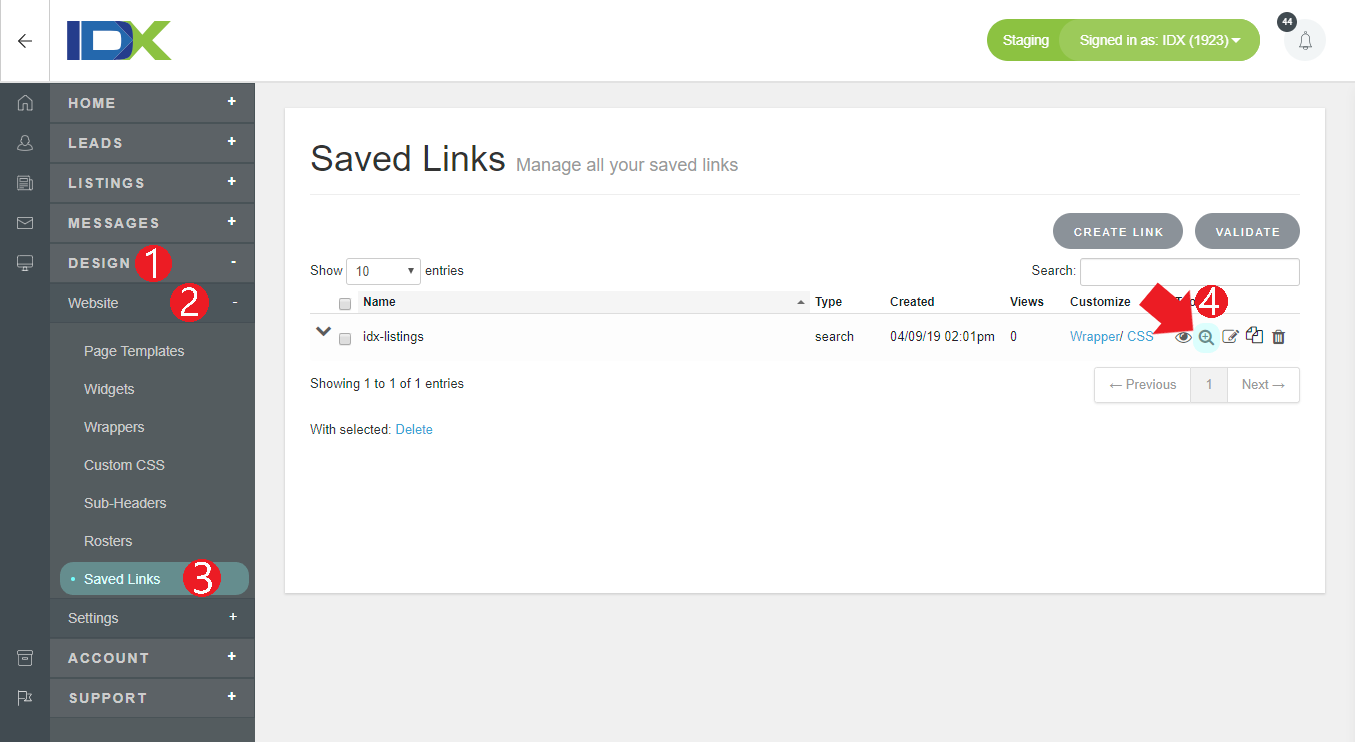
For each widget or saved link that is based upon search criteria, select the second tab to edit the link by hand.

Here is a string describing everything from the search criteria to the number of results per page, to the sorting order.

In this example, the search is for Total Baths of at least one (tb=1), High Price of 800000 (hp=800000), Low Price of 200000 (lp=200000), and City of Saint Cloud (city[]=40829).
To find out specific criteria in your account, you should perform a search through your site and take note of the URL in your address bar.
The additional items here describe how the results are displayed. The number of results per page is described by per=10, and the sorting options here are by price, descending (srt=prd).
You can also customize your links to bring in multiple values for the same parameter. For example, if you created a link that brings in listings under the Residential (1) property type, but you also want to bring in Rental (2) properties, you would go to the Edit Link By Hand tab and find the part of the search query that says '&pt=1' and replace it with '&pt[]=1&pt[]=2.' By using the square brackets in conjunction with the search parameter, you can indicate that you are looking for multiple values in the same field.
There are a lot of options that can be added or changed with Edit by Hand. It provides for great customization of your searches. Play around with it, and if you need to, reach out to our support team for additional help.
NOTE: Most browsers have a hard limit on the length of URL strings, so try not to exceed 2,000 characters.